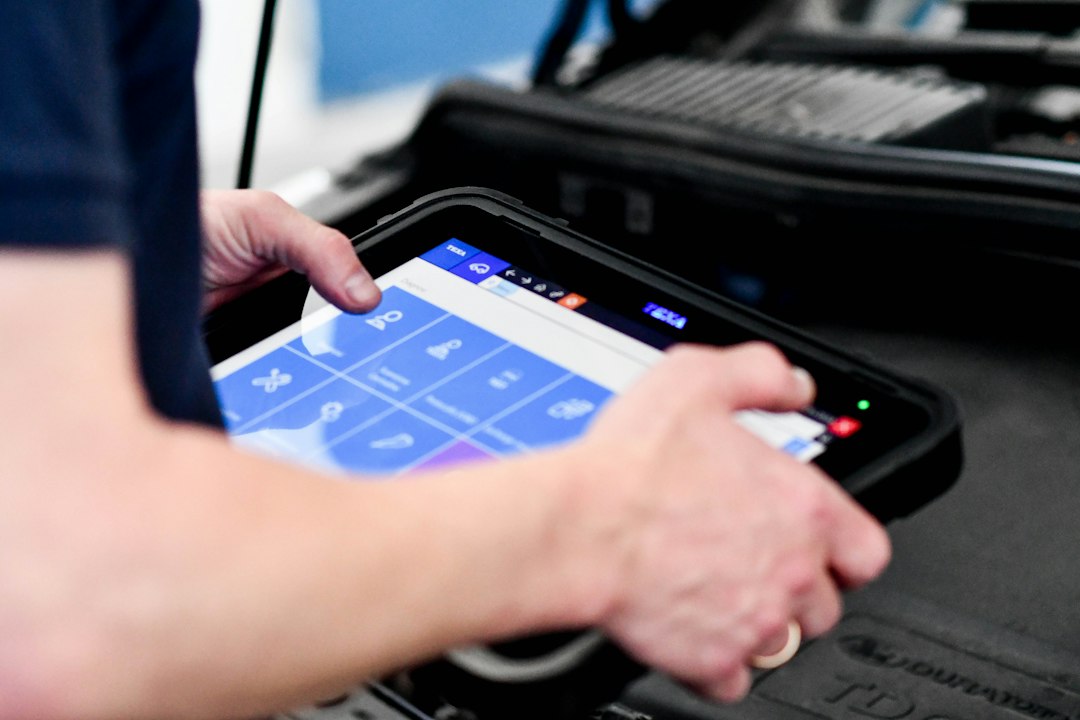
Many drivers assume a diagnostic scan is only for the “big” problems — a dead engine or a car that won’t move. In reality, a diagnostic scan is an efficient way to turn vague symptoms into actionable information before a small issue becomes costly. Below are seven concrete signs that make a diagnostic scan the right next step, what a scan will typically tell you, and practical choices for each situation.
1. The check engine light (CEL) is on — especially if it stays lit
The simplest rule: steady CEL = get a scan. The light can indicate a wide range of issues, from a loose gas cap or oxygen sensor to a catalytic converter problem. A scan reads stored trouble codes (and often pending codes) and gives you a starting point.
What to expect from the code: a specific system or sensor that’s failing or out of range, and sometimes freeze-frame data showing engine conditions when the code stored. That helps decide if you can safely drive or need immediate attention.
2. Illuminated safety-system warnings (ABS, airbag, traction control)
Lights for ABS, airbags, or traction systems affect vehicle safety systems and should not be ignored. These codes often point to wheel speed sensors, steering angle sensors, or communication errors between modules.
Why a scan matters: it can reveal whether a sensor has failed or if modules need a software update or a simple reset. In the case of airbags, certain faults can disable deployment — a scan clarifies urgency.
3. Noticeable drop in fuel economy or rough running
If your MPG suddenly falls, or the engine runs rough, misfires, or vibrates more than usual, the scan can identify misfire counters, fuel trim values, and sensor readings (MAF, O2 sensors) that explain poor efficiency.
Decision point: some fuel-economy issues are inexpensive (dirty MAF sensor, clogged filter). Others — like failing catalytic converters — are costlier and need prioritization. A scan helps you compare repair cost versus continued driving.
4. Intermittent or multiple warning lights that come and go
Flashing or intermittent lights are tricky: they can mean transient faults, wiring/connectivity issues, or a sensor that’s on its way out. A live-data scan lets you watch sensor values in real time to catch the fault when it appears.
Practical tip: if the problem is intermittent, have a technician perform a live-data session or use a Bluetooth OBD2 reader to monitor while you drive the symptom route. That’s far more diagnostic than reading codes alone.
5. Starting, charging, or battery-related problems
Repeated jump-starts, slow cranking, or dashboard battery/charging warnings suggest the charging system may be failing. A diagnostic scan that includes battery/charging tests (or a dedicated battery tester) will report voltage, alternator output, and charging behavior under load.
When to prioritize: electrical faults can cause other modules to log faults; fix charging issues early to avoid cascaded electronics problems.
6. Failed emissions test or strong exhaust smoke/odor
A failed emissions test is a practical trigger for a diagnostic scan. Codes often lead directly to the emission control parts (O2 sensors, EVAP system, catalytic converter) that caused the failure. Similarly, visible exhaust smoke (blue, black, or white) paired with codes narrows down engine and fuel-system causes.
Action: a scan helps you know whether a sensor replacement, EVAP repair, or deeper engine work is required before retesting.
7. A recent repair or part swap and new or persistent codes
After repairs, a scan confirms that the fault cleared and that no new issues appeared during work. If a light returns after a repair, a scan reveals whether the original repair failed, a related part is defective, or the issue wasn’t fully addressed (for example, bank 1 vs bank 2 misfire).
Why this prevents rework: it reduces guesswork and helps the shop avoid replacing parts that aren’t the true cause.
What a basic scan shows (and what it doesn’t)
- Codes: stored, pending, and permanent codes give the most direct clue to failing systems.
- Live data: sensor readings (RPM, fuel trims, temp, O2, etc.) useful for intermittent or performance issues.
- Readiness status: shows whether emissions monitors are set for testing.
- Limitations: many basic scanners won’t access proprietary manufacturer modules (transmission, ABS, airbag) or perform active tests; more advanced bi-directional tools or dealer-level tools may be required.
Which scanner or service should you choose?
If you only need to read CELs and basic live data, a reliable entry-level OBD2 code reader is adequate and affordable. For deeper system access (ABS, SRS, bi-directional tests) or heavy-duty vehicles, choose a professional or manufacturer-specific tool.
Recommended option: for most drivers who want a dependable basic scanner, consider the AutoLink AL329 for its broader coverage and easy interface.
For owners of trucks or diesel vehicles, select a scanner that explicitly lists 12V/24V heavy-duty compatibility and the relevant connectors.
How to prepare before a scan
- Note when the symptom occurs (cold start, after long highway drive, heavy load).
- Record recent repairs or maintenance and any warning lights that appeared together.
- Bring the failed emissions report if applicable; it helps the technician prioritize.
When a diagnostic scan is performed, expect a short readout time for codes; live-data sessions or module-specific diagnostics can take longer and may be billed by time at a shop.
- Document exactly when and how the symptom happens (start, idle, acceleration).
- Take photos of any dashboard lights and the odometer reading.
- Note recent battery or electrical work that could affect modules.
- Decide whether you need a basic CEL read or deeper system diagnostics.
- Choose a scanner or shop that supports the specific systems your vehicle uses (ABS, SRS, diesel connectors).
A diagnostic scan is the fastest way to move from vague symptoms to a specific repair path. Use a scan for any persistent dashboard light, safety-system warning, sudden fuel-economy loss, or intermittent fault—then choose a basic reader or professional tool depending on how deep the codes reach.
Is it safe to drive with the check engine light on?
It depends: a steady CEL often allows short trips, but a flashing CEL indicates active misfire that can damage the catalytic converter—stop driving and scan promptly.
Can I use a Bluetooth OBD2 reader for intermittent problems?
Yes—Bluetooth readers that log live data let you record sensor values while driving and catch problems that don’t appear during a static code read.
Will a basic scanner read ABS and airbag codes?
Many entry-level scanners cannot; you’ll need a mid-range or professional tool, or a shop with manufacturer-level access, to read those modules.
How long does a diagnostic scan take at a repair shop?
Reading codes is instantaneous; a full diagnosis including live-data capture and test-driving usually takes 30–90 minutes depending on symptom complexity.
Can clearing codes without fixing the problem cause harm?
Clearing codes hides symptoms temporarily and can erase freeze-frame data useful for diagnosis; it doesn’t fix the underlying issue and may fail emissions readiness checks.